TP-Link Tether
TP-LINK SYSTEMS INC.
4.7
AD
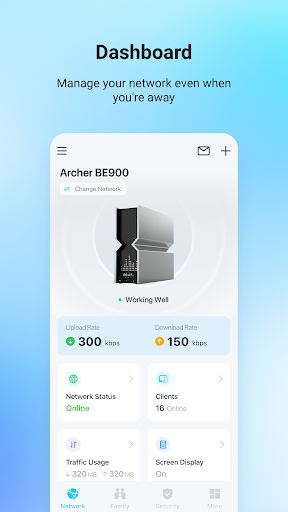
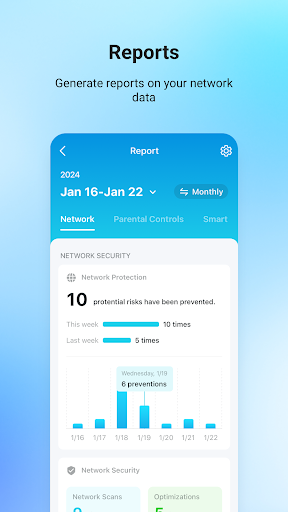
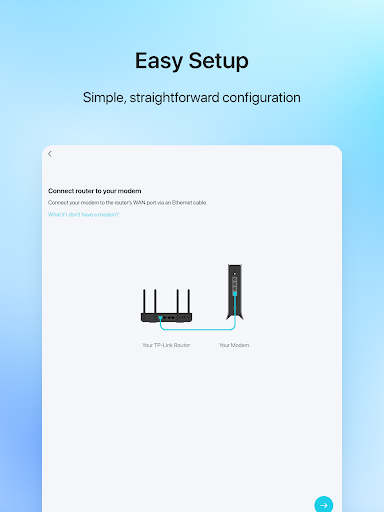
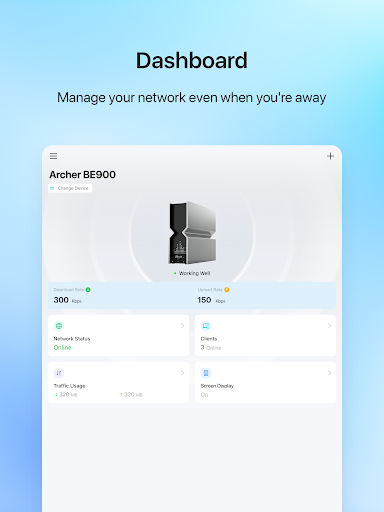
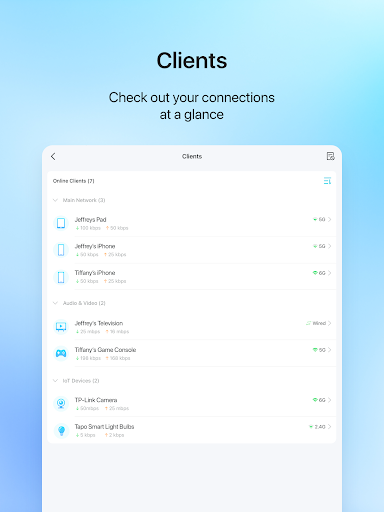
TP-Link Tether provides the easiest way to access and manage your TP-Link Router/ xDSL Router/ Range Extender with your mobile devices. From quick setup to parental controls, Tether provides a simple, intuitive user interface to see your device status, online client devices and their privileges.
- Setup SSID, password and Internet or VDSL/ADSL settings of your devices
- Block unauthorized users who are accessing your devices
- Manage permissions of client devices
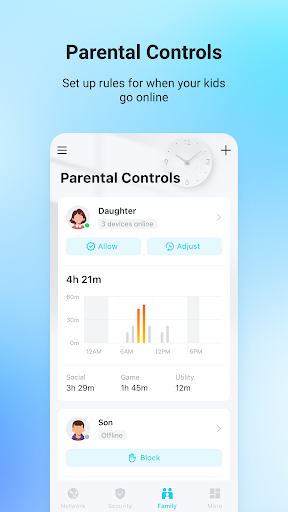
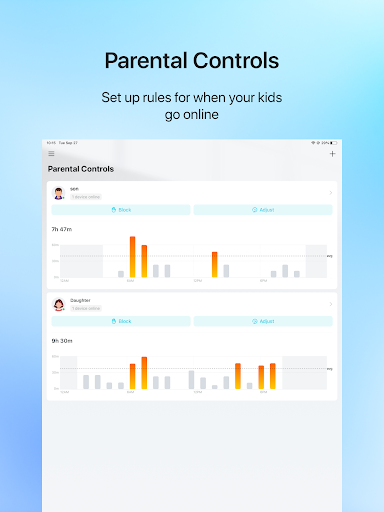
- Parental control function with schedule and URL-based Internet access management
- Find the best location to place your range extender
- Automatically turn off the LEDs at specific time
- Manage most of TP-Link devices simultaneously
Compatible Routers
https://www.tp-link.com/tether/product-list/
*To learn how to find the hardware version of your device, go to http://www.tp-link.com/faq-46.html
More devices supported by Tether are coming soon!
Important Notes
● Upgrade firmware is required. Go to the download page to choose the correct version and download the latest firmware: http://www.tp-link.com/support.html
● TP-Link Tether does not work when connected to guest network
● For any issue, please contact http://www.tp-link.com/support.html
Average Rating
785.11K+
Rating Breakdown
Featured Reviews
By Patrick R
2025-11-22
Version 4.12.28
performance_and_bugsupdates_and_maintenancemonetizationcustomer_supportUpdate. The app is mostly unresponsive. When it does "work", I have to perform each action at least twice Update. Every time that I want to view the router, I click on it and then it says I'm not connected to the network. Update. Still not fixed. Why do they want you to pay a subscription when the features never work. Most features don't work all of the time. It's very hit or miss for the controls. Worked marginally OK before, now it's worse. It's very slow to start and sync to wifi.
By Greg Thornton
2025-10-09
Version 4.12.24
cross_platform_consistencyfeature_requestsperformance_and_bugsSo far, so good. I wish it was as functional as the web GUI so I wouldn't have to use both! There is at least one inconsistency between them, though, which I consider to be a bug in the GUI: Tether allows pretty much any type of character when naming a device, including spaces (as it should) but the GUI limits characters to "A-Z", "a-z", "0-9", "-", or "_". Obviously the router itself can handle the extra characters, so the GUI needs to be fixed.
By Natalia Moukaeva
2025-10-03
Version 4.12.24
securityfeature_requestsserviceI agree with Withkeys Quilkert. "It does what it does best. Access to the router configuration through the cloud as well as locally on network in an easy GUI. However, more needs to be done to secure access to it besides just a password for cloud account. They need to allow multi-factor authentication and track logins to the cloud account. Until they address that, I do not recommend allowing the wifi router access over the cloud. Once password is compromised, it gives unauthorized users access.
Screenshots




Release Details
| Publisher Country | US |
| Country Release Date | 2013-07-23 |
| Categories | Tools |
| Country / Regions | US |
| Developer Website | TP-LINK SYSTEMS INC. |
| Support URL | TP-LINK SYSTEMS INC. |
| Content Rating | Everyone |
Hot Apps